Desktop app · by KLAWS/FX Licensed · on-device
KlawsFlow
Local AI dictation for Windows. Speak, and it types into any app — in about a second, with nothing leaving your PC.
KlawsFlow turns speech into text wherever your cursor is, and it runs entirely on your machine. No cloud, no account, no audio ever leaving the PC. An optional AI cleanup pass runs on a local model you download with one click — or on your own cloud key, if you choose to bring one. It speaks too: built-in read-aloud voices for English and Greek, and on the Pro tier a voice clone trained from your own dictations reads any text back in your voice, entirely on your GPU.
What it does
Speak, it types
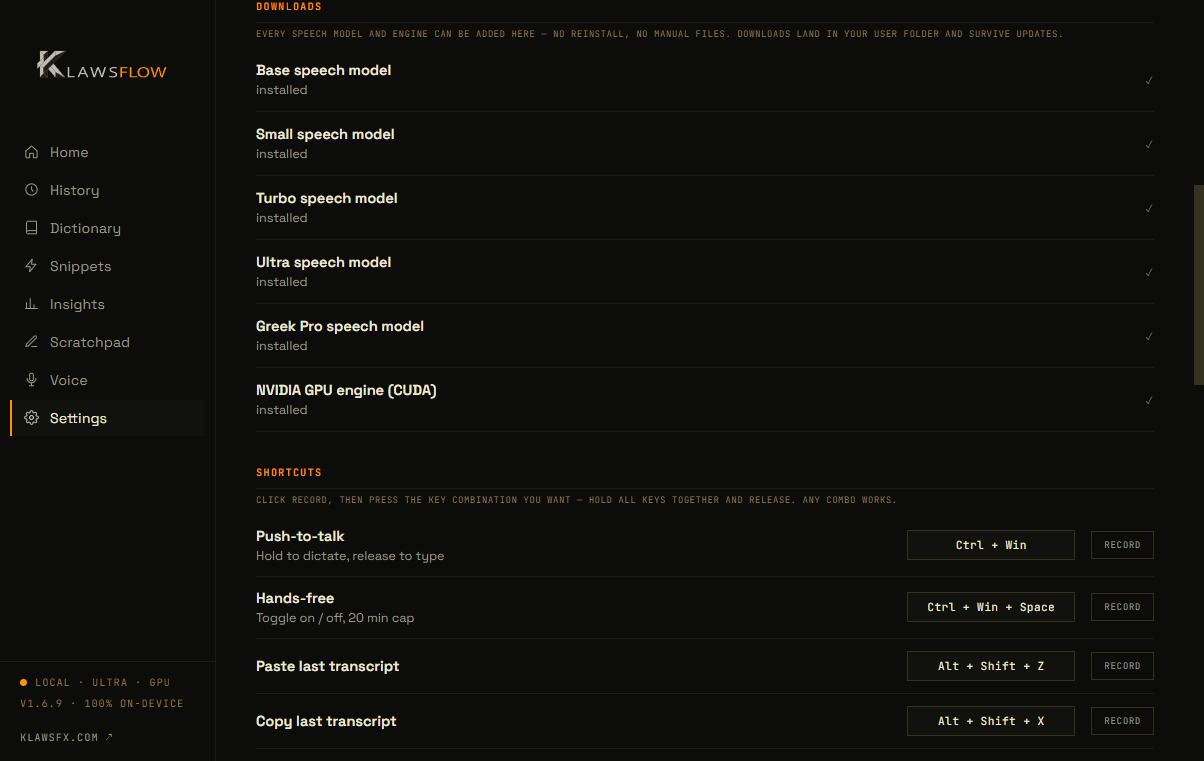
Hold Ctrl+Win, talk, release — your words land as text in whatever app has focus, in about a second.
100% on-device
Speech never leaves your PC. No cloud, no account, works fully offline.
English + Greek, accent-proof
Dual-language pipeline with a dedicated Greek second-opinion model — confident mistranscriptions get vetoed, not typed.
Optional AI cleanup
A built-in local model (or your own API key) fixes punctuation and self-corrections without rewriting what you said.
Your voice, cloned — Pro
Train a voice model from your own dictations and have any text read back in your voice, 23 languages, entirely on your GPU.
Read-aloud voices
Natural built-in voices for English and Greek read any text aloud.
Learns as you dictate
Voice memory keeps tuning recognition to you from the dictations you keep.
Updates itself
Checks on launch, downloads in the background — one restart and you are on the latest version.
See it in action
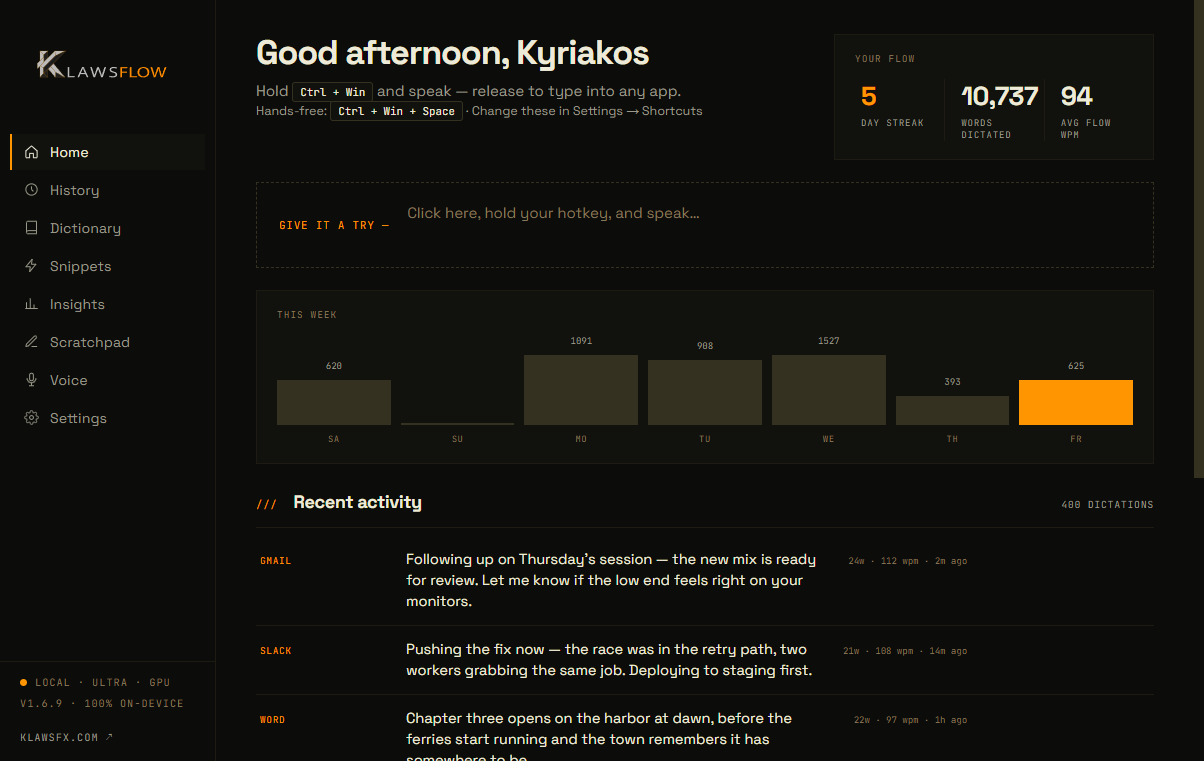
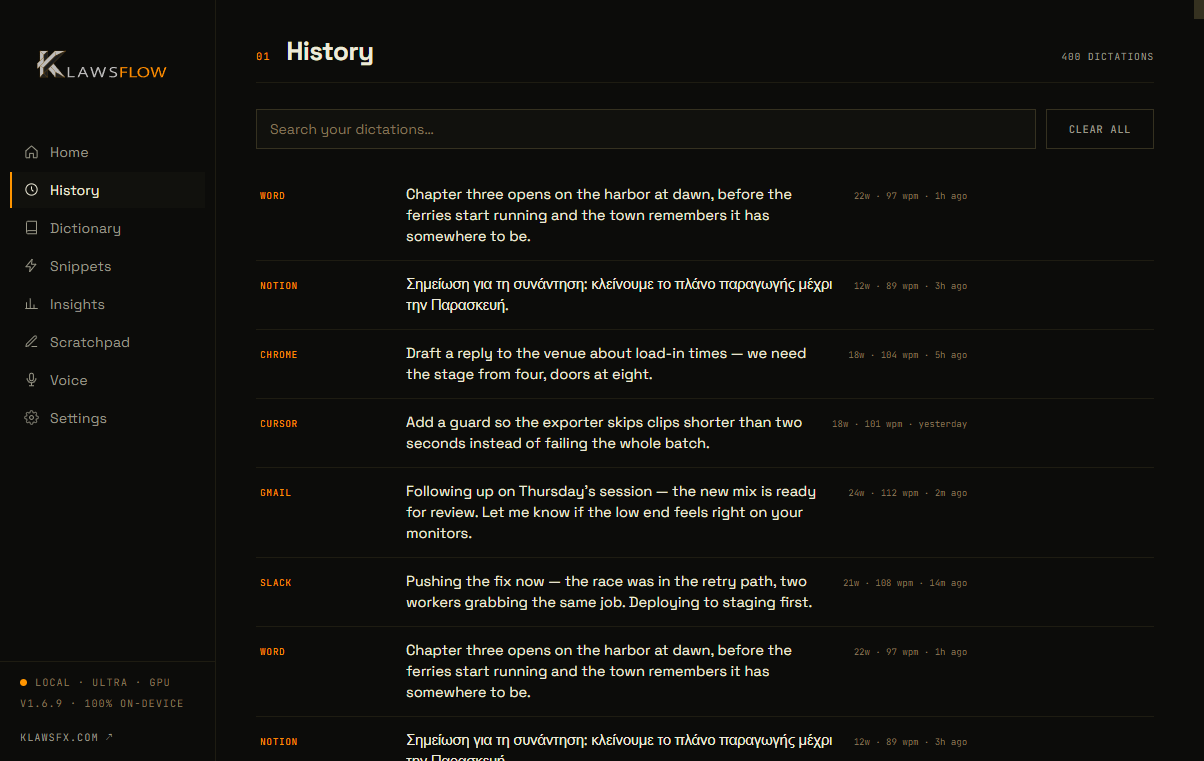
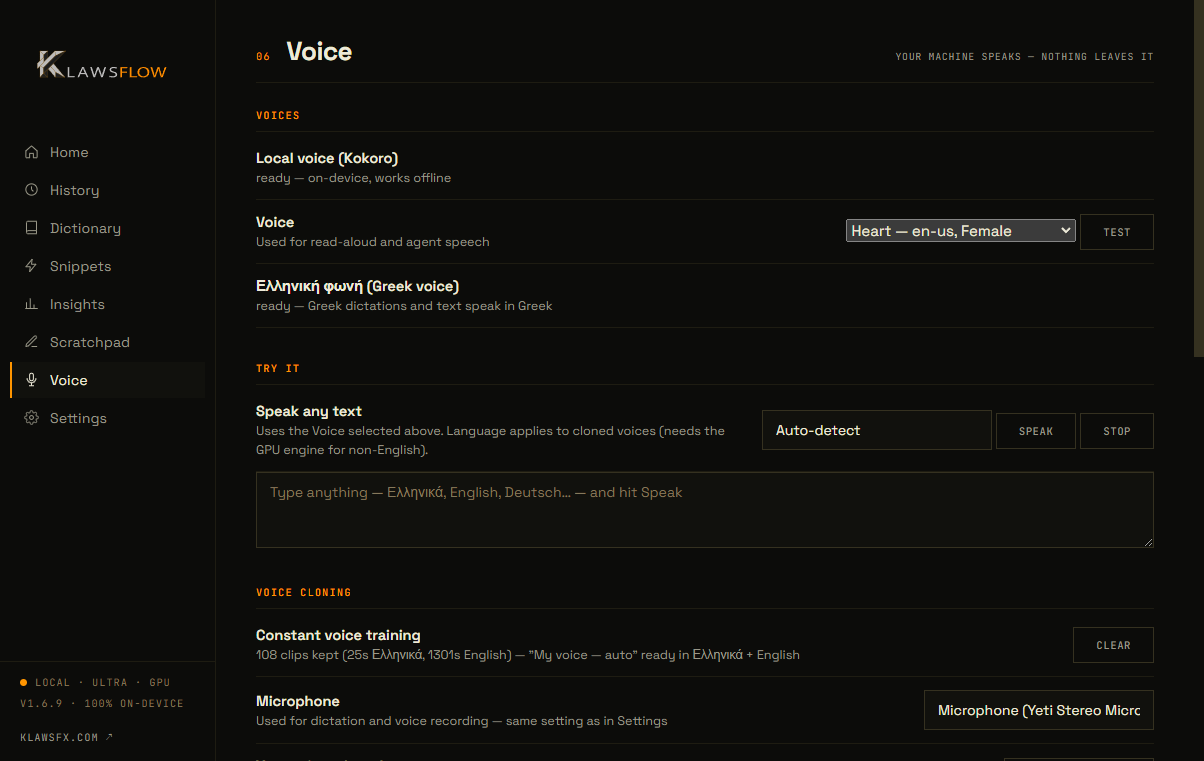
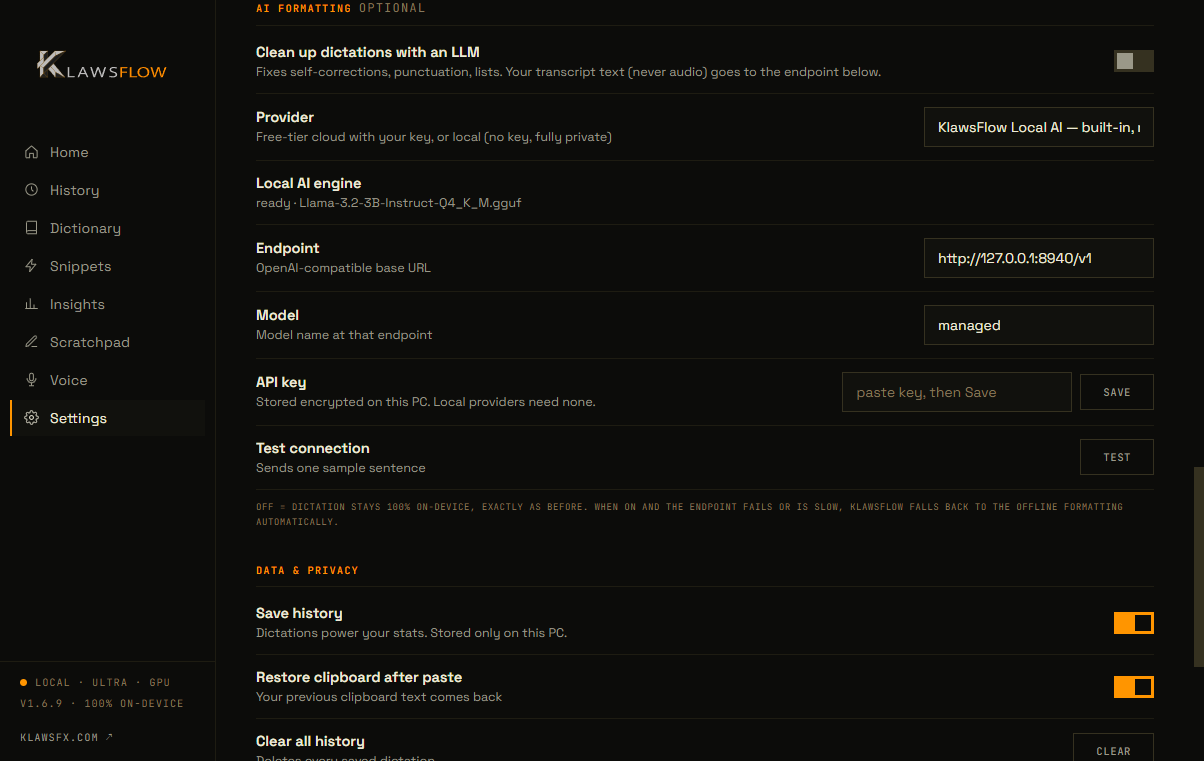
Buy. Download. Use.
Pick your plan
Pro includes voice cloning; Standard is 30% less without it. Your license key lands in your inbox the moment payment clears.
Run the installer
Installs the app and downloads the speech models once (~2.3 GB).
Paste your key
One key activates one PC. No account, nothing else to set up.
Hold Ctrl+Win and talk
Release, and it types — in any app.
Measured, not promised
from release to typed text on short dictations
faster long dictations than our previous engine
of your speech processed on your own PC
audio files uploaded to any cloud, ever
| KlawsFlow | Cloud dictation apps | |
|---|---|---|
| Where speech is processed | On your PC | On the vendor's servers |
| Works offline | Fully | No |
| Audio leaves your machine | Never | Every dictation |
| Account required | No — just a license key | Yes |
| AI text cleanup | On-device (optional) | Cloud only |
Measured on Windows 11 with an NVIDIA GPU, version 1.6.9. Speed depends on your hardware.
Get KlawsFlow
Monthly (2 PCs)
1 key · up to 2 PCs
Pro
Everything, incl. voice cloning
Standard
No voice cloning — 30% less
Yearly (2 PCs)
1 key · up to 2 PCs
Pro
Everything, incl. voice cloning
Standard
No voice cloning — 30% less
Yearly (5 PCs)
1 key · up to 5 PCs
Pro
Everything, incl. voice cloning
Standard
No voice cloning — 30% less
The free trial is limited: the first 25 people, and only for the first 30 days after launch.