Desktop app · by KLAWS/FX One-time purchase
Maestro
Maestro is a Windows desktop application for private screenshots and screen recordings.
Capture regions, windows, or full-screen images and video, then annotate and share without cloud sync or accounts.
What it does
Screenshots
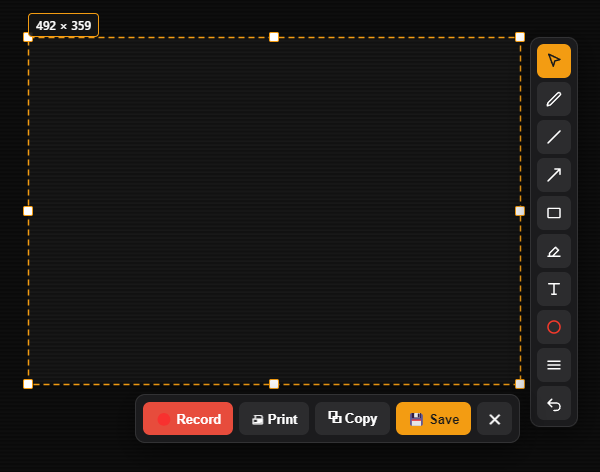
Drag a region, grab a window, or take the whole screen — one hotkey.
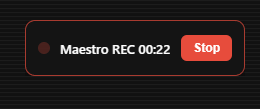
Screen recording
Record to video with system audio or microphone, and a live on-screen timer.
Annotate before you share
Arrows, shapes, text and highlights — then copy, save, print, or record.
Private by default
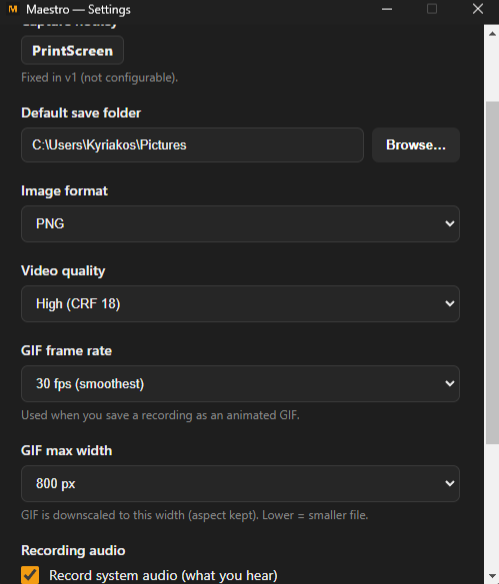
Everything stays on your machine. No account, no cloud sync, no telemetry.
See it in action
Buy. Download. Use.
Buy
Pay once through secure checkout. No account, no subscription.
Download
Get the Windows installer the moment you pay.
Capture
Install, and capture — screenshots or recordings.
Get Maestro
One-time purchase. Lifetime updates. No subscription.