Desktop app · by KLAWS/FX Δωρεάν · Pro εφάπαξ
KlawsShot
Screenshots and screen recording for Windows. Free for screenshots, €29 once for Pro.
Press PrintScreen, drag a region or click a window, annotate, copy. The overlay opens in about a tenth of a second, edge to edge on every monitor. Screenshots are free forever; Pro adds screen recording, OCR and capture history for a one-time €29. Everything stays on your PC — no account, no cloud.
What it does
Instant PrintScreen
The overlay is up in about a tenth of a second, covering every monitor edge to edge — even mixed DPI.
Snap or drag
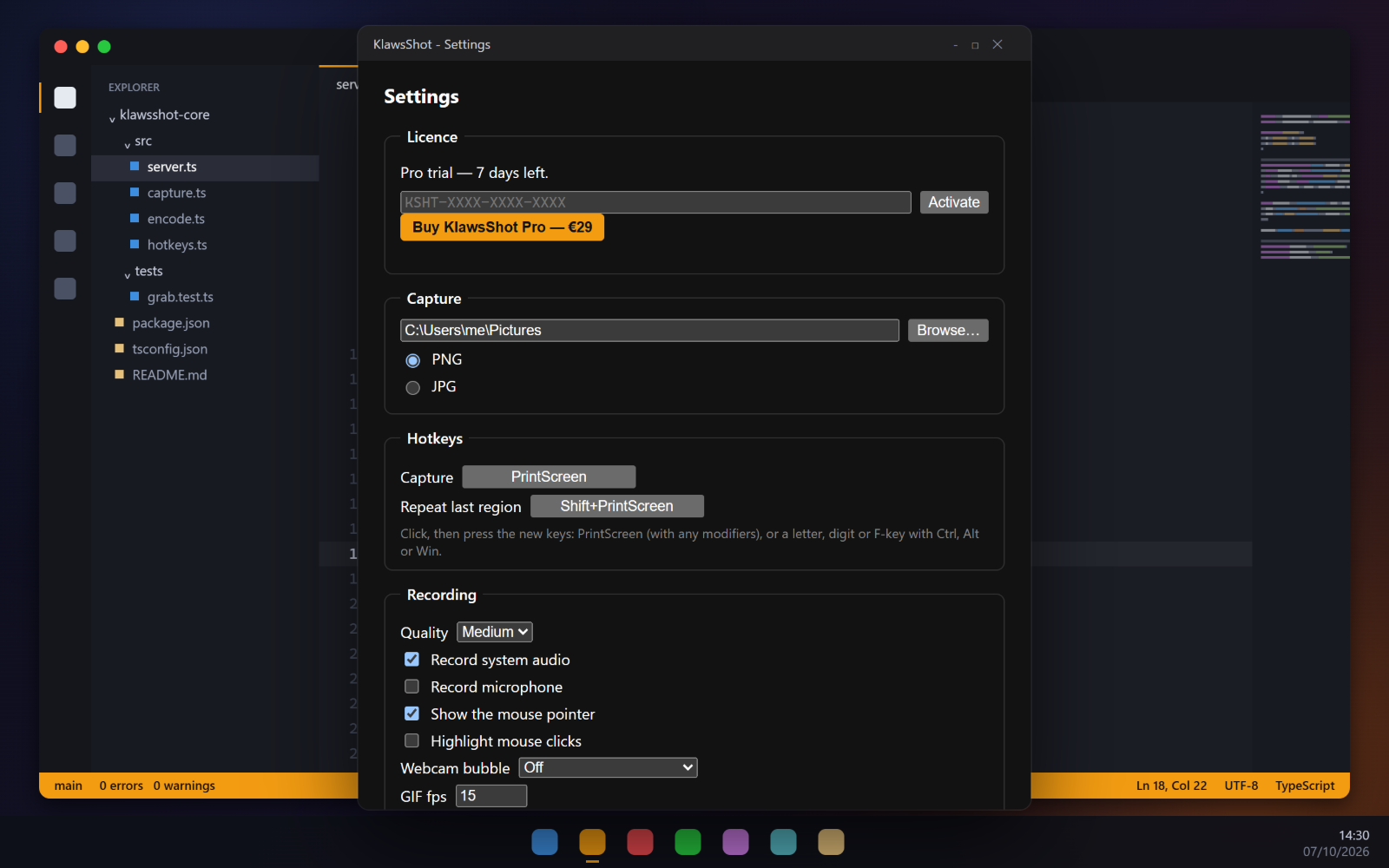
Hover to grab a window or a whole monitor, or drag any region. Shift+PrintScreen repeats the last one.
Annotate in place
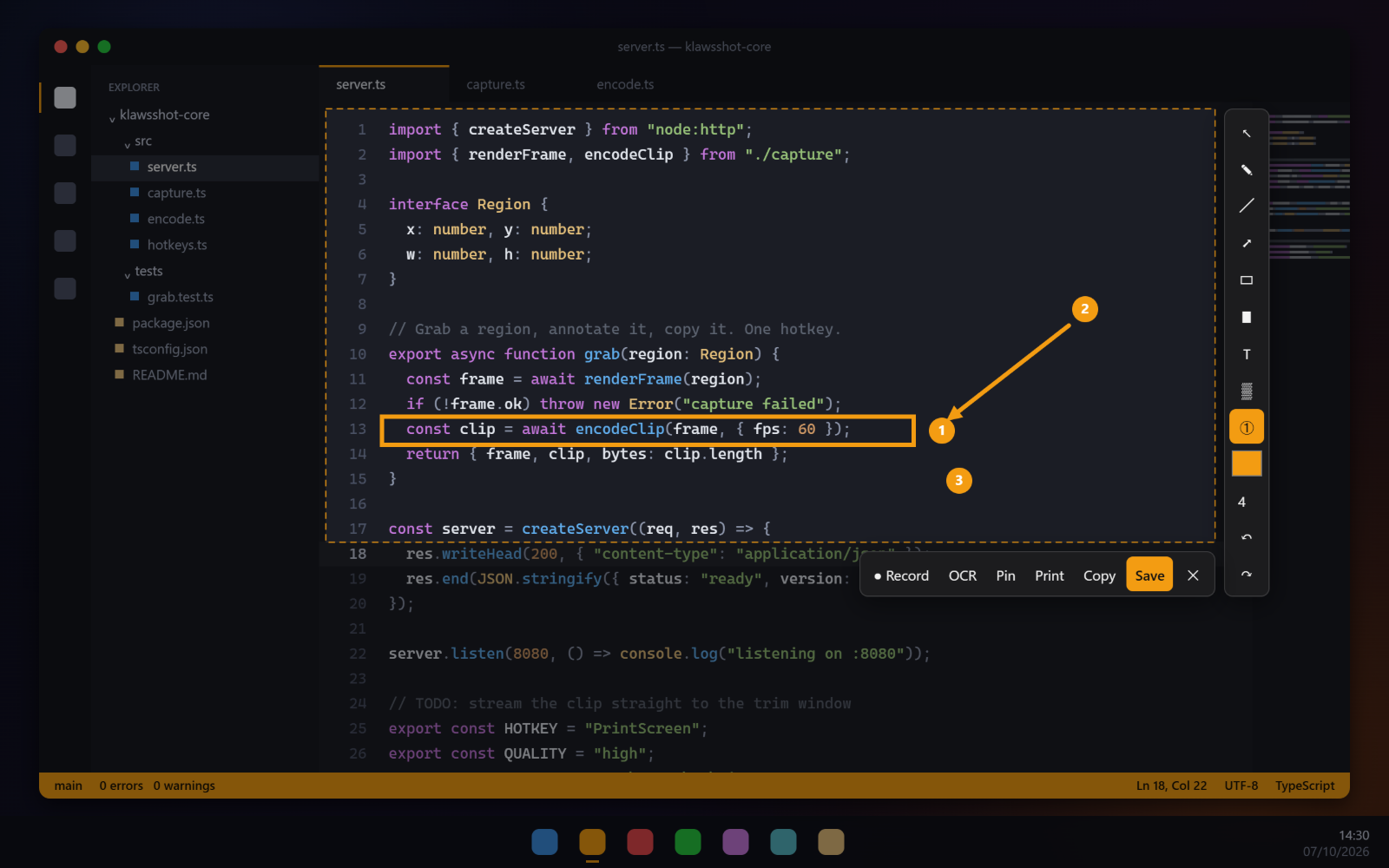
Arrows, shapes, marker, text, blur and numbered steps, right on the capture. Then copy, save, print or pin.
Record the screen (Pro)
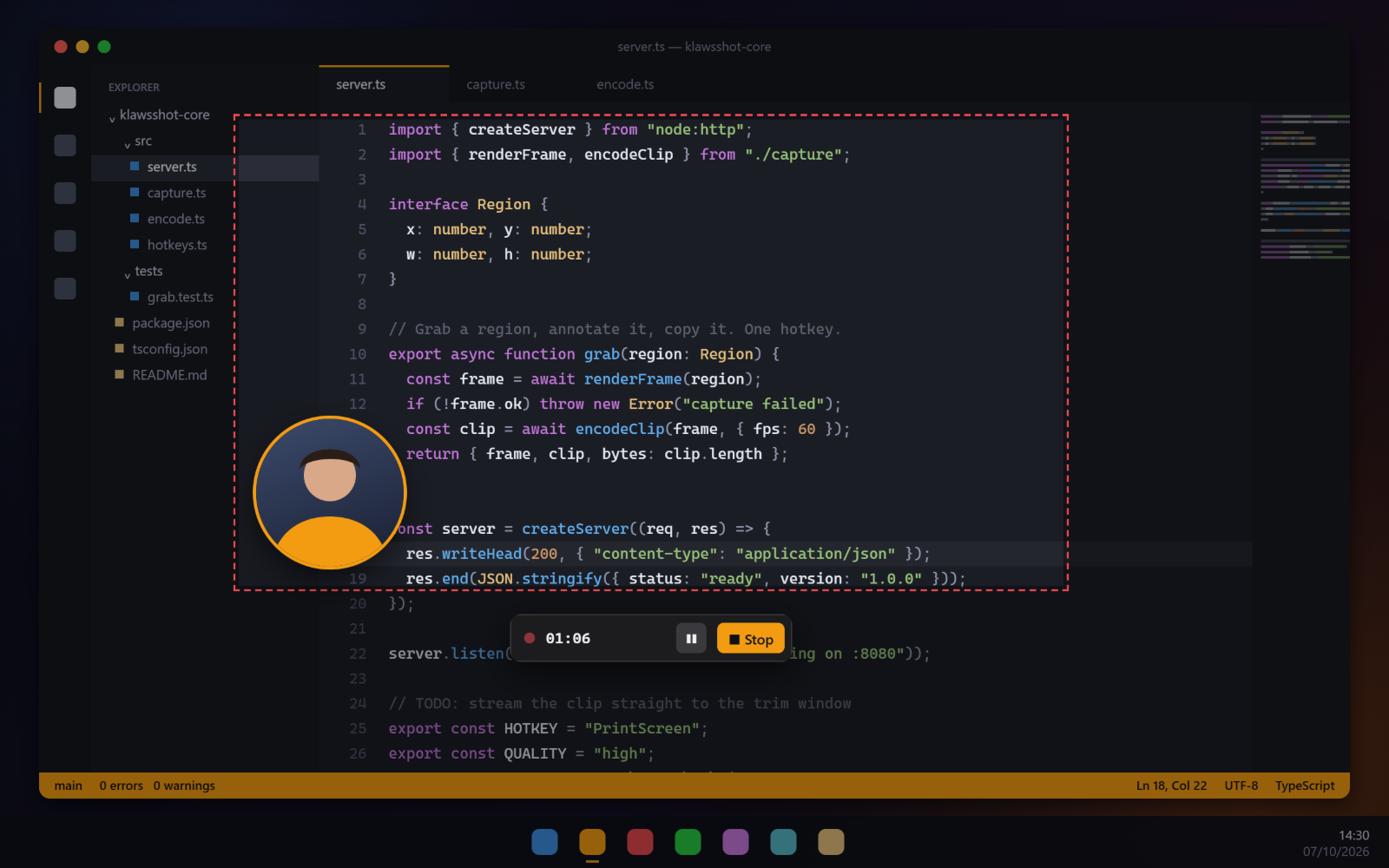
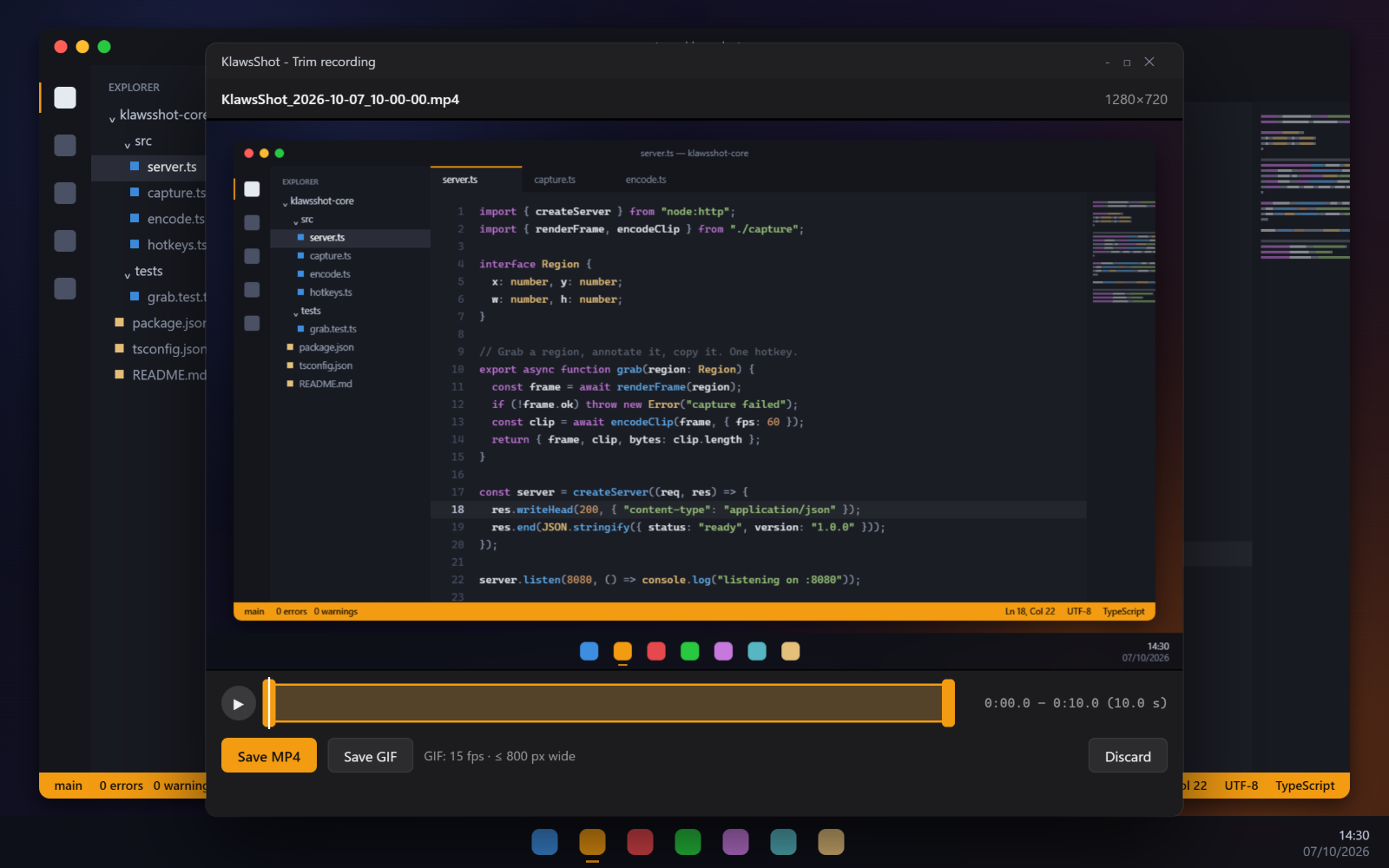
MP4 with system audio and mic, pause, trim, GIF export, webcam bubble and click highlight.
OCR and history (Pro)
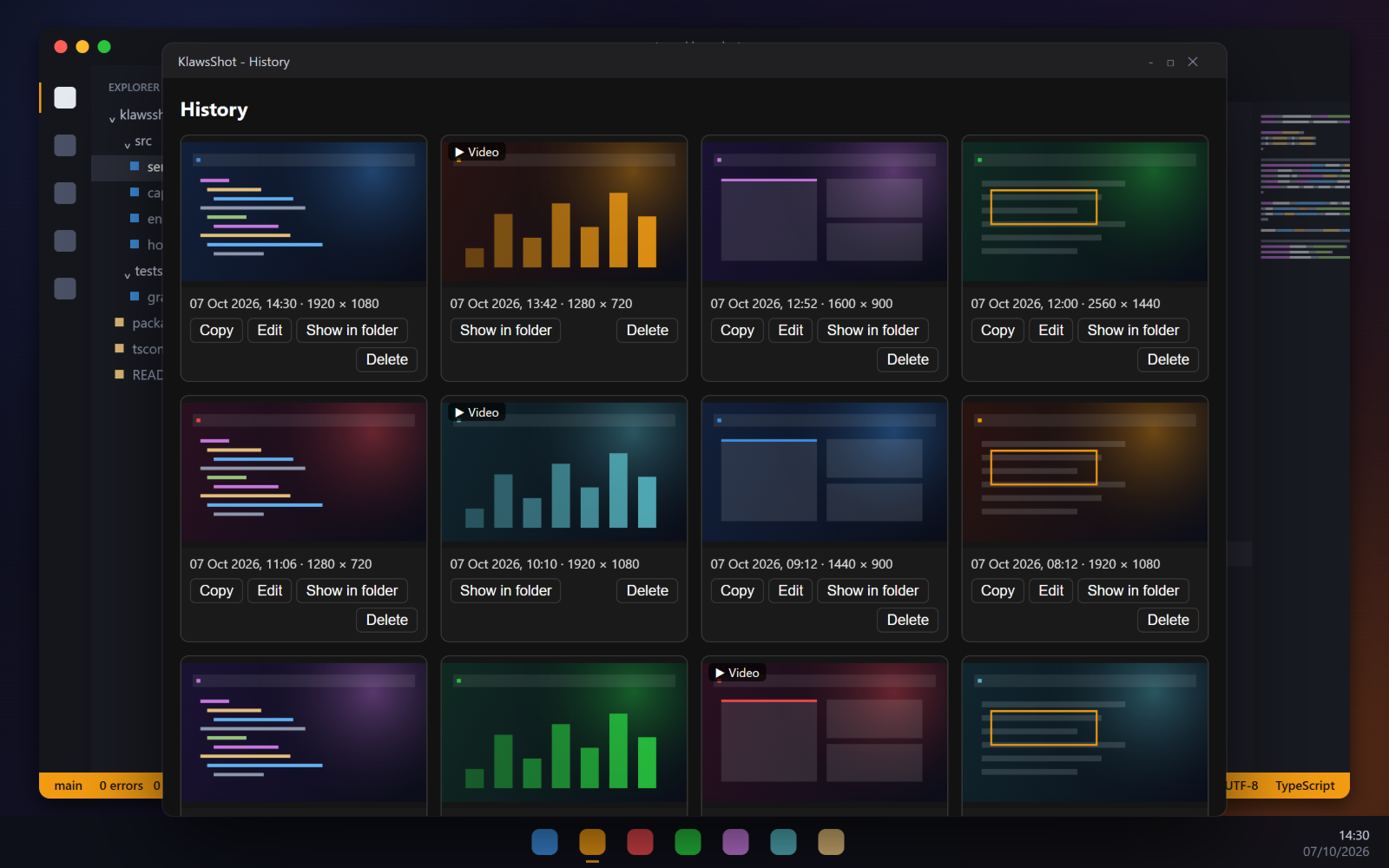
Copy text out of any capture; every capture lands in a searchable history you can re-edit.
Private by default
Captures and recordings stay on your PC. No account, no cloud upload.
Δωρεάν ή Pro
Free
Για πάντα, χωρίς κλειδί
- Λήψη με PrintScreen: περιοχή, παράθυρο ή ολόκληρη οθόνη
- Επεξεργαστής με όλα τα εργαλεία: πένα, βέλη, σχήματα, μαρκαδόρος, κείμενο, θόλωμα, αριθμημένα βήματα
- Αντιγραφή, αποθήκευση PNG/JPG, εκτύπωση
- Καρφίτσωμα λήψης σε αιωρούμενο παράθυρο
- Επανάληψη της τελευταίας περιοχής με Shift+PrintScreen
Pro — €29
Εφάπαξ · 1 PC · όλες οι ενημερώσεις 1.x
Όλα του Free, και επιπλέον:
- Εγγραφή οθόνης σε MP4 με ήχο συστήματος και μικρόφωνο
- Παύση, περικοπή και εξαγωγή σε GIF
- Κάμερα σε φούσκα και επισήμανση κλικ
- OCR — αντιγραφή του κειμένου από οποιαδήποτε λήψη
- Ιστορικό λήψεων — αντιγραφή, επανεπεξεργασία, εύρεση παλιών
Δοκίμασε το Pro δωρεάν για 7 μέρες — ξεκινά την πρώτη φορά που χρησιμοποιείς μια λειτουργία Pro. Μετά, η δωρεάν έκδοση συνεχίζει να λειτουργεί.
See it in action
Buy. Download. Use.
Download
Free installer for Windows 10/11. Screenshots work right away, forever.
Capture
Press PrintScreen. Select, annotate, copy — done.
Go Pro when you need it
Try Pro free for 7 days. After that, the free version keeps working, or keep Pro with a one-time €29 key (1 PC, all 1.x updates).
Get KlawsShot
Pro · lifetime
1 κλειδί · 1 PC
Pro
Εγγραφή οθόνης, OCR και ιστορικό — εφάπαξ, 1 PC
Το κλειδί έρχεται αμέσως με email · ενεργοποιεί 1 PC · όλες οι ενημερώσεις 1.x · δοκιμή Pro 7 ημερών μέσα στην εφαρμογή.