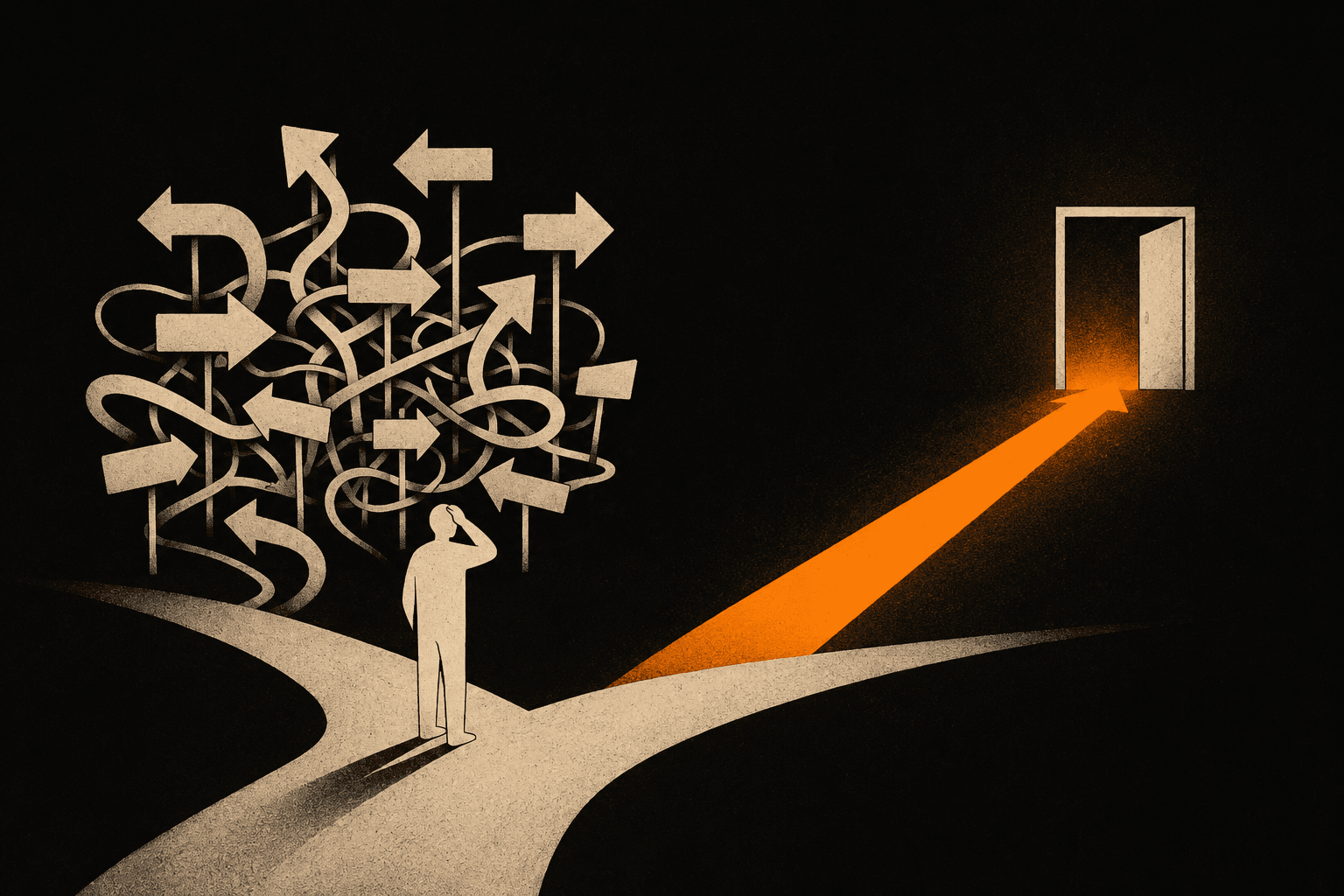
A confusing website is one a visitor can't read in five seconds and act on, because it never makes clear what you do, who it's for, and what to press next. The traffic arrives. People read a little. Then they leave without a word. The silence feels like rejection. Usually it's confusion.
I get the same message from owners every few weeks. "I'm getting visits but no inquiries. Is my business the problem?" Almost always, no. The business is fine. The page is asking people to do too much thinking.
Why does my website get visitors but no inquiries?
Most often, the page doesn't make the offer obvious fast enough, so visitors who were mildly interested give up and bounce. They land, scan, fail to understand what you do or why it's for them, and close the tab. That's not a verdict on your work. It's a reading problem at the top of the page.
Think about how people actually use a site. They don't read. They scan in a hurry, on a phone, between two other things. If the first screen doesn't answer "what is this and is it for me," they're gone before they ever reach your good stuff. Nielsen Norman Group, who have studied this for decades, found that people read about 20% of the words on an average page. Your homepage hero gets a glance, not a study session.
So the question isn't whether your business is good. It's whether a stranger can tell, in one glance, what you sell and why it matters to them.
Is my website confusing? Four places it usually breaks
Yes, if any of these four spots makes a visitor stop and think. Confusion is rarely the whole site. It's almost always one of these.
The headline that says nothing. "Welcome to our website" or "Quality you can trust" tells a visitor nothing about what you do. The hero text should name the thing and the person: what you make, who it helps. A plumber's homepage that opens with "Emergency plumbing in Xanthi, same day" beats any clever slogan.
The navigation built for you, not them. Menus full of insider words ("Solutions," "Our Philosophy," "Portfolio") make people guess. Use the words your customer would say out loud. "Prices," "What I do," "Contact." When someone has to decode your menu, they don't. They leave.
The service descriptions that list features, not outcomes. "We use advanced techniques and a proven process" says nothing a customer can picture. Tell them what they get and what changes for them. People buy the result, not the method.
The call-to-action that hides or asks for too much. One clear next step per page. A phone number where the thumb lands. A short contact form, not a twelve-field interrogation. If a visitor has to hunt for how to reach you, that's an inquiry you just lost. You can see how I keep that path short across the work I've built.
How do I find what's confusing on my own site?
Open your homepage on your phone, cover the screen, then look for five seconds and look away. Could you say out loud what the business does, who it's for, and what to press next? If you hesitated, a stranger never had a chance.
Better still, ask someone who doesn't know your business. A friend, a relative, anyone outside your field. Show them the homepage on a phone for ten seconds, take it away, and ask three questions. What does this person do? Is it for someone like you? What would you click to get in touch? Their hesitation is your map. The spot where they pause is the spot to fix first.
You'll be tempted to add more to explain yourself. Resist it. Confusion is almost never solved by adding words. It's solved by cutting them until one clear message stands alone. The clearest sites I build say less than the owner first wanted, and convert more.
Where do I start fixing it?
Start with the first screen, because it decides whether anyone reads the rest. Rewrite the headline so it names what you do and who it's for in plain words. Then fix the menu labels to match how customers talk. Then turn one service description from features into the result the customer gets. Then make sure there's a single obvious way to contact you, on mobile, above the fold.
None of this needs a rebuild. A confusing site and a clear site can use the same design and the same photos. The difference is the words and the order. I've watched a homepage go from no inquiries to a steady trickle just by changing the headline and moving the contact button up. Same business, same service, clearer offer.
Your website probably isn't broken, and your business probably isn't the problem. The offer is just buried under a layer of guesswork that you, the person who knows it cold, can't see anymore. That's the hardest part. You're too close to read it like a stranger.
If you want a second pair of eyes, I'll look at your homepage and tell you the one line that's costing you inquiries. No charge for the look. Send me your link and I'll tell you what I'd change first.