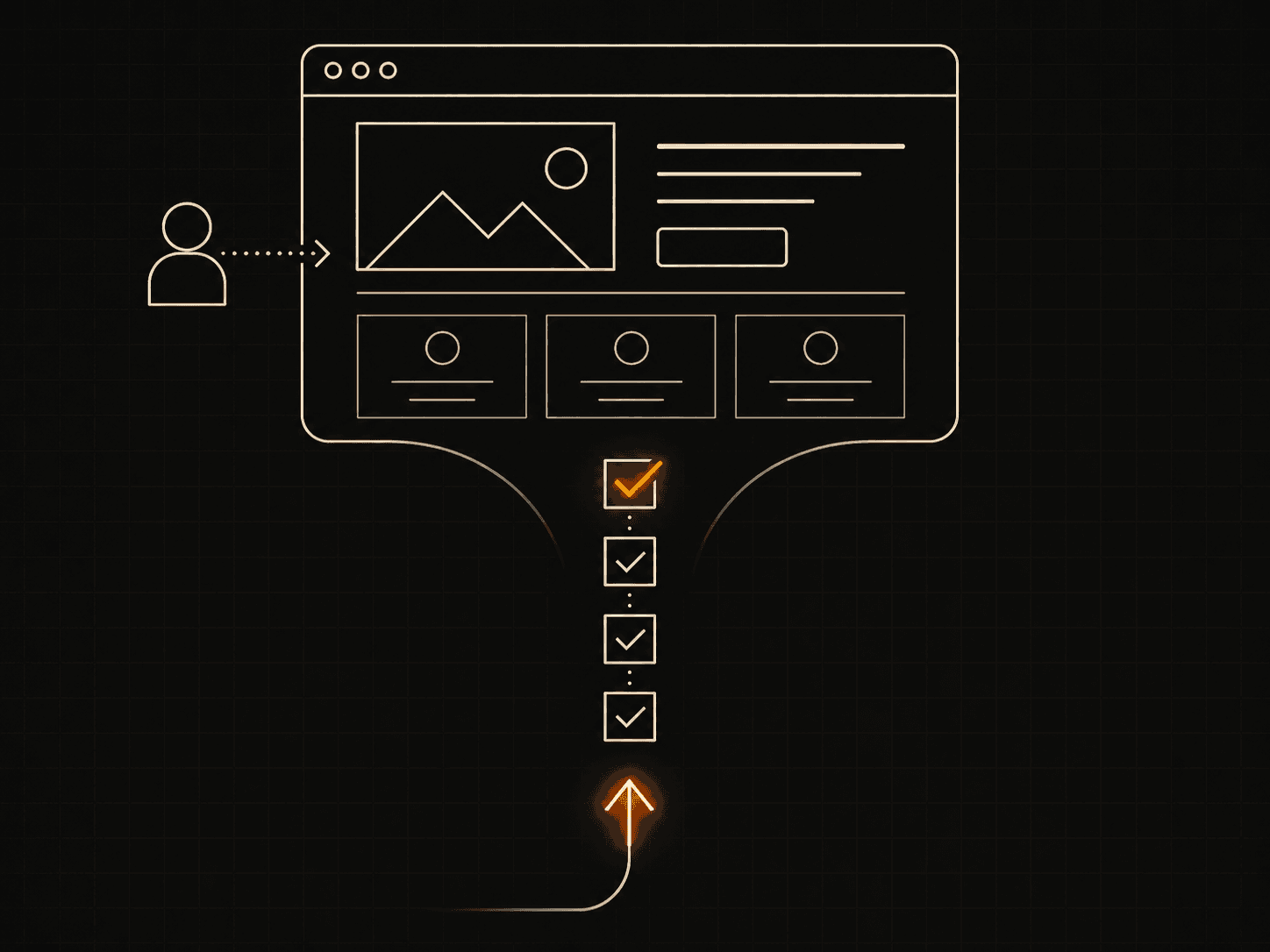
A client-conversion checklist is a short list of fixes that turn website visitors into paying clients: a clear offer, a visible call to action, fast mobile load, proof, and a contact flow that takes seconds. Most small-business sites lose work not because they look bad, but because they make people think too hard. I build sites for small and local businesses, and the same nine gaps show up again and again. Here they are, in the order I check them.
What is the most important thing on a converting website?
The most important thing is a clear offer above the fold: who you help, what you do, and what to do next. A visitor decides in a few seconds whether they're in the right place. If your hero says "Welcome to our website," you've already lost them. Say the job. "I build fast Next.js sites for local businesses in Xanthi" beats any tagline.
Run through the list:
- [ ] Clear offer above the fold. One sentence. Name the customer, name the result. No jargon, no mission statement.
- [ ] Visible CTA. One primary button, repeated. "Book a call," "Get a quote," "Start your project." Same words every time. Don't make people hunt for it.
- [ ] One action per page. If a page asks for three different things, it gets none. Pick the next step and point everything at it.
Why do fast mobile sites convert better?
Fast mobile sites convert better because most visitors are on phones, and slow pages get abandoned before they load. Google found that as page load goes from one to three seconds, the chance of a bounce rises by 32% (Google/SOASTA research). On a small-business site, that bounce is a lost lead. So speed isn't a vanity metric. It's the front door.
- [ ] Mobile speed. Test on a real phone, not your desktop. Check your Core Web Vitals. Compress images, drop the heavy slider, cut the third-party scripts you don't need.
- [ ] Readable on a phone. Big enough text, tappable buttons, no horizontal scroll. Most of your traffic is thumbs, not mice.
If your site runs on a bloated WordPress theme with ten plugins, this is usually where the work is. A lean build fixes it at the root.
The trust block: proof and pages
People hire who they trust. Trust comes from evidence, not adjectives. "Award-winning" means nothing. A named client and a real result mean everything.
- [ ] Testimonials. Real names, real businesses, ideally a photo or a logo. One specific quote ("calls doubled in a month") beats five vague ones.
- [ ] Service pages. One page per service, each with its own URL. A single "Services" page that lists everything ranks for nothing and explains nothing. Give each service room to breathe and a CTA at the bottom. You can see how I structure this on my work page.
- [ ] FAQ. Answer the questions you get on every call: price range, timeline, what you need from the client. An honest FAQ removes friction and doubles as SEO. Search engines read it; so do nervous buyers.
The contact flow: make it stupidly easy
Most contact forms ask for too much. Every extra field is a reason to leave.
- [ ] Short contact flow. Name, email, one message box. That's it. Add a phone number people can tap. If you take bookings, link a calendar so they pick a slot without emailing back and forth.
- [ ] One click to reach you. Phone, email, or form on every page, usually in the footer and the nav. Don't bury it on a "Contact" page nobody scrolls to. Mine sits at /#contact so it's one tap from anywhere.
A buyer who's ready should never have to search for how to pay you.
SEO basics and analytics
You can't improve what you can't see, and you can't get found if Google can't read you.
- [ ] SEO basics. A real title tag and meta description on every page. One H1 that says what the page is. Descriptive image alt text. A sitemap. If you serve a town, put the town in your titles and your content.
- [ ] Analytics. Install something before you launch, not after. You want to know which pages people land on, where they drop off, and which ones send you actual enquiries. Without numbers you're guessing, and guessing is expensive.
Once analytics is running, you stop arguing about opinions and start reading the data. The page with the highest exit rate is your next job.
How to use this checklist
Don't try to fix everything at once. Score your site out of these eleven boxes. If you're under seven, the problem is foundations, not polish. Start at the top: offer, CTA, speed. Those three move the most revenue for the least effort.
If you'd rather not run the audit yourself, that's most of what I do. I rebuild small-business sites so they load fast and turn visitors into enquiries. Browse a few recent builds, or skip the audit and tell me about your project. If you want a head start, the templates already pass most of these boxes out of the box.
A site is a tool. Either it brings you work, or it sits there looking nice. This checklist is the difference.